Linux Mint
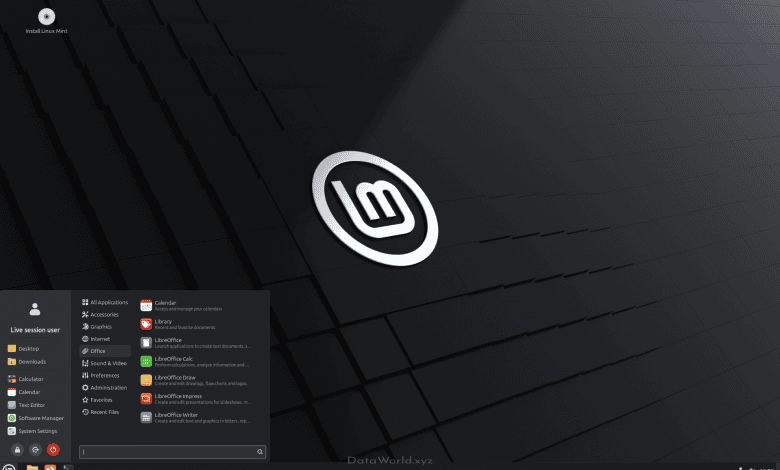
Linux Mint is a community-driven Linux distribution based on Ubuntu (which itself is based on Debian), aiming to provide a classic desktop experience with a focus on user-friendliness and out-of-the-box functionality. It was first released in 2006 and quickly gained popularity for its inclusion of proprietary media codecs and a suite of custom tools, making it accessible to users transitioning from Windows or macOS. The distribution emphasizes stability, security, and a polished user interface, offering several desktop environments, with Cinnamon being its flagship.
The core philosophy of Linux Mint revolves around creating an operating system that is powerful yet easy to use, providing a complete solution for everyday computing tasks. It maintains a strong commitment to long-term support (LTS) releases, ensuring users have a stable platform for several years. Its architecture leverages the robust Linux kernel and the vast software repositories of Ubuntu and Debian, while adding its own unique flavor through custom applications like MintUpdate, MintInstall, and MintBackup, enhancing the overall user experience.
 Linux Mint
📌 Overview & Description
Linux Mint is a community-driven Linux distribution based on Ubuntu (which itself is based on Debian), aiming to provide a classic desktop experience with a focus on user-friendliness and out-of-the-box functionality. It was first released in 2006 and quickly gained popularity for its inclusion of proprietary media codecs and a suite of custom tools, making it accessible to users transitioning from Windows or macOS. The distribution emphasizes stability, security, and a polished user interface, offering several desktop environments, with Cinnamon being its flagship.
The core philosophy of Linux Mint revolves around creating an operating system that is powerful yet easy to use, providing a complete solution for everyday computing tasks. It maintains a strong commitment to long-term support (LTS) releases, ensuring users have a stable platform for several years. Its architecture leverages the robust Linux kernel and the vast software repositories of Ubuntu and Debian, while adding its own unique flavor through custom applications like MintUpdate, MintInstall, and MintBackup, enhancing the overall user experience.
⚙️ Technical Specifications & Release Timeline
💻 System Requirements (Minimum vs Recommended)
| Hardware Component | Minimum Requirements | Recommended Requirements |
|---|---|---|
|
Processor (CPU)
|
Dual-core processor (x86_64 architecture) | Quad-core processor or better (x86_64 architecture) |
|
Memory (RAM)
|
2 GB RAM | 4 GB RAM or more |
|
Storage Space
|
20 GB free disk space | 100 GB SSD or more |
|
Graphics Card (GPU)
|
1024x768 resolution display | Modern graphics card with hardware acceleration (e.g., NVIDIA, AMD, Intel) and 1920x1080 resolution display |
✅ What is Supported
- Wide range of desktop environments (Cinnamon, MATE, XFCE)
- Extensive software repositories via APT package manager
- Proprietary media codecs and drivers out-of-the-box
- Long-term support (LTS) releases for stability
- Flatpak support for universal application distribution
- Seamless integration with Ubuntu's vast software ecosystem
- Timeshift for system snapshots and recovery
- Driver Manager for easy hardware driver installation
🚀 Best Supported For (Ideal Use Cases)
- Users seeking a familiar and intuitive desktop experience
- Migrants from Windows or macOS looking for an easy transition
- Everyday home and office computing tasks
- Users prioritizing stability and long-term support
- Older hardware systems (especially with MATE or XFCE editions)
- Developers and power users who appreciate customization and control
- Educational institutions and non-profit organizations
- Users who prefer a curated and polished Linux distribution
🌟 Key Features & Advantages
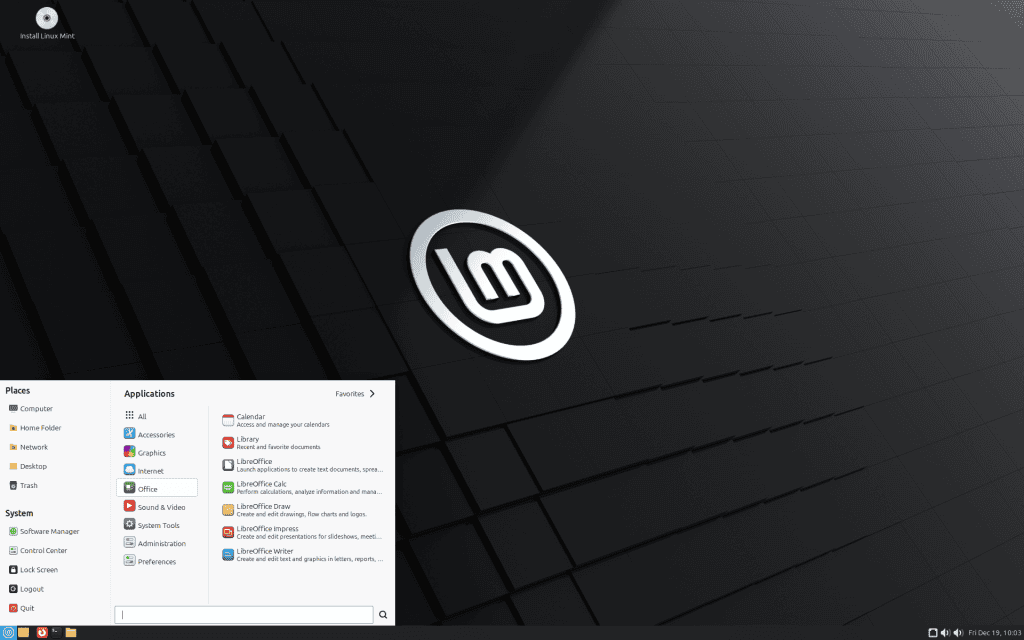
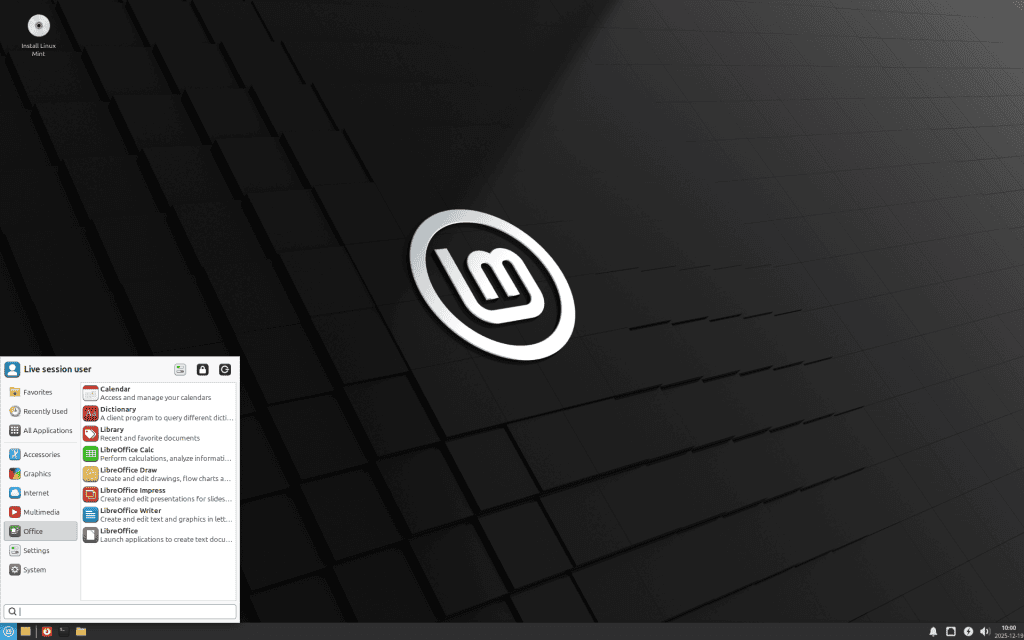
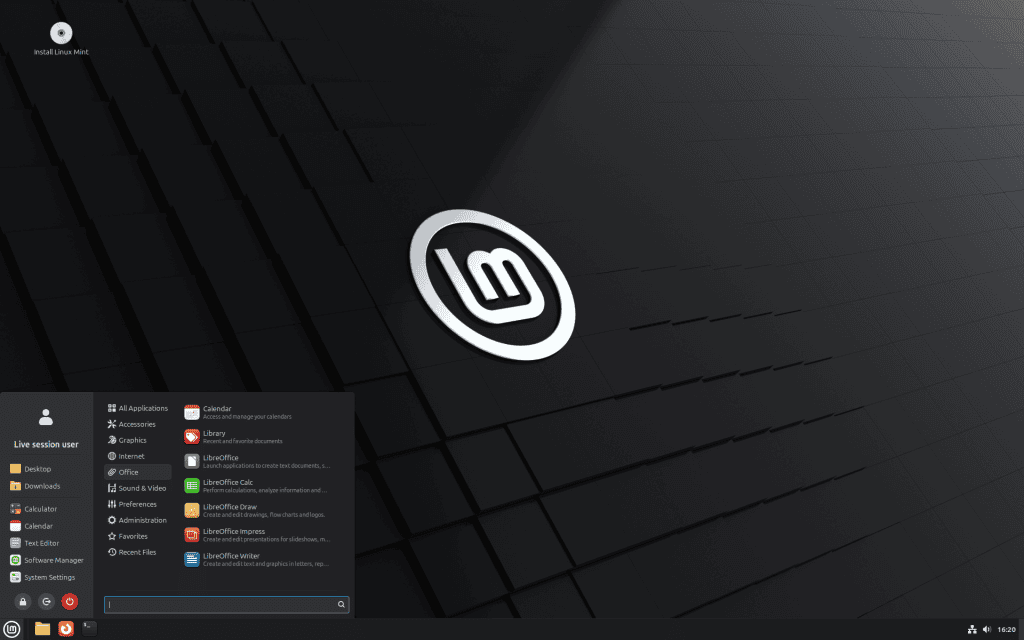
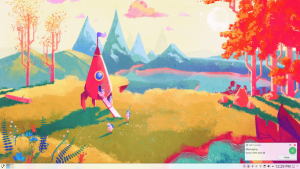
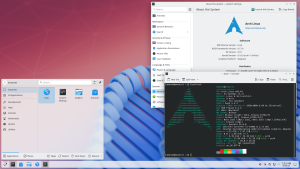
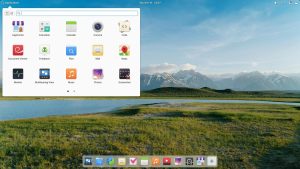
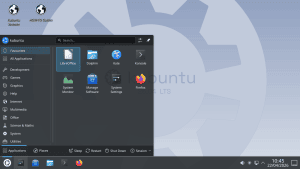
OS Screenshots