ChromeOS
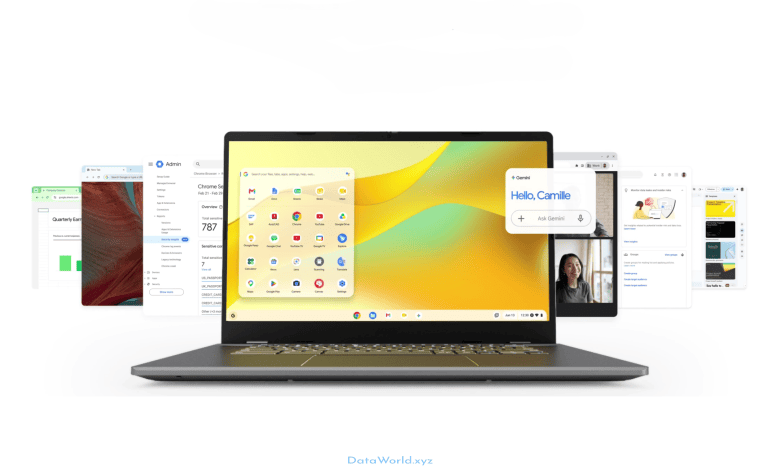
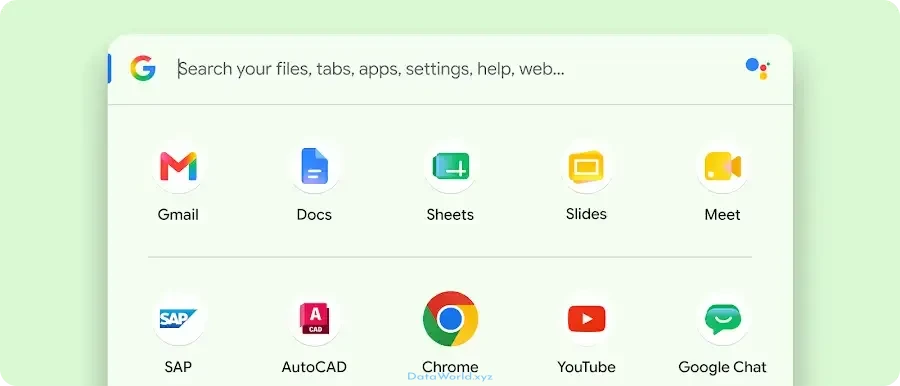
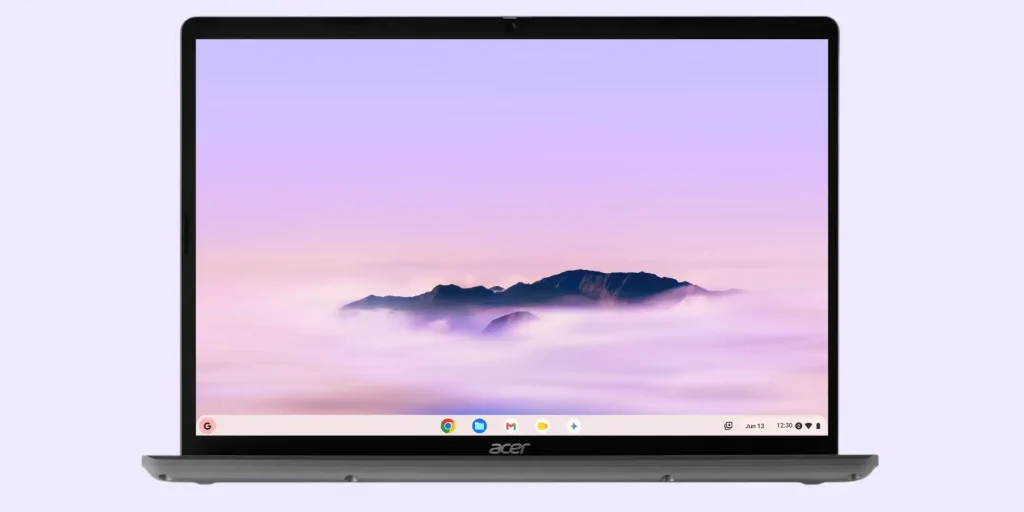
ChromeOS is an operating system developed by Google, based on the Linux kernel and using the Google Chrome web browser as its principal user interface. It was initially conceived as a ‘cloud-first’ OS, designed for users who spend most of their time on the web, emphasizing speed, simplicity, and robust security. Its architecture is built around a minimal local footprint, with most applications and user data residing in the cloud, leveraging Google’s extensive suite of web services.
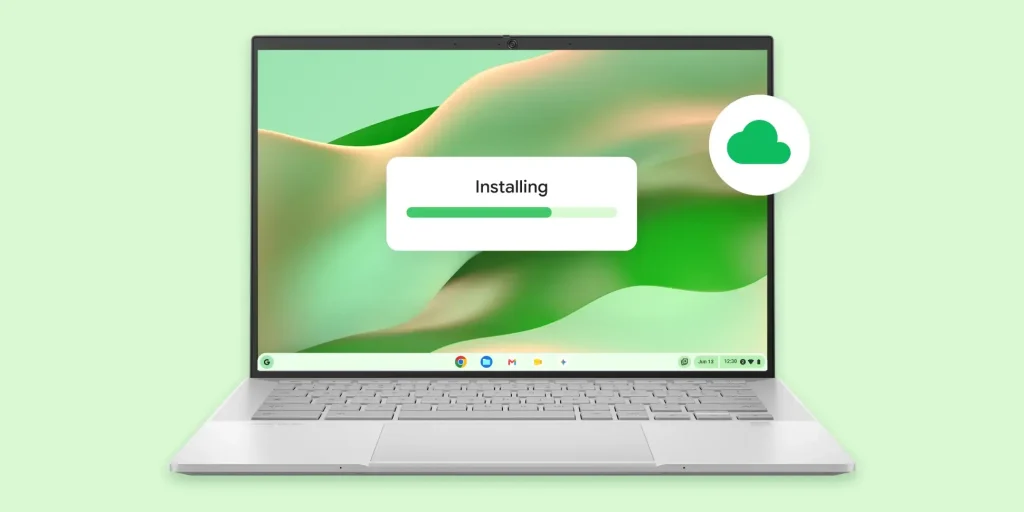
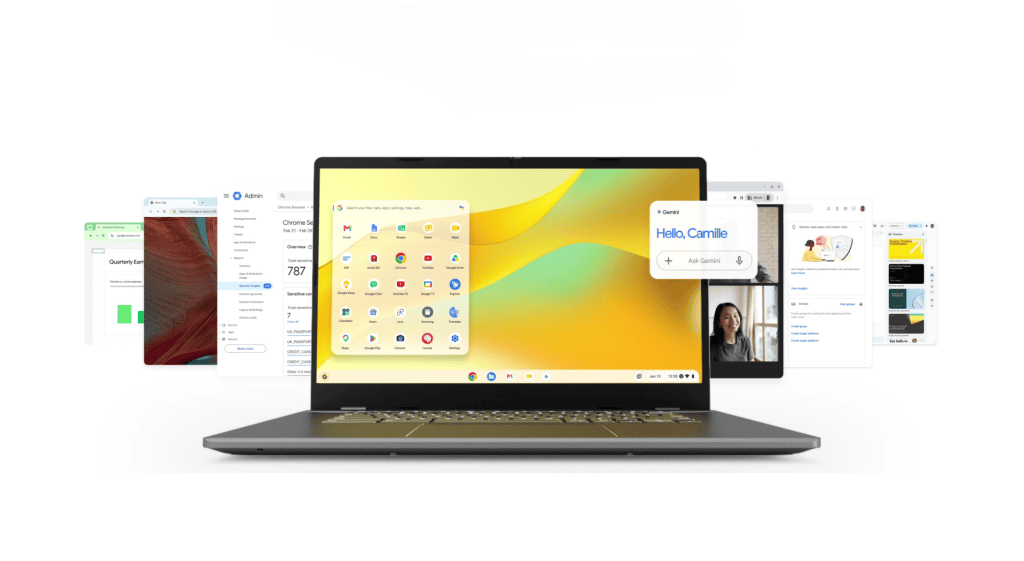
Over the years, ChromeOS has significantly expanded its capabilities beyond just web applications. It now seamlessly integrates support for Android applications via the Google Play Store (running in a virtual machine environment called ARCVM) and Linux applications through Crostini, a container-based solution. This evolution has transformed ChromeOS into a versatile platform capable of handling a wide range of productivity, entertainment, and even light development tasks, while maintaining its core tenets of fast boot times, automatic updates, and strong security measures. Its user experience is characterized by ease of use, minimal maintenance, and deep integration with the Google ecosystem.
As of late 2026, ChromeOS continues to be a dominant force in the education sector and a popular choice for consumers and businesses seeking affordable, secure, and easy-to-manage computing solutions. Its continuous development focuses on enhancing app compatibility, improving hardware integration, and expanding its utility for an increasingly diverse user base.
 ChromeOS
📌 Overview & Description
ChromeOS is an operating system developed by Google, based on the Linux kernel and using the Google Chrome web browser as its principal user interface. It was initially conceived as a 'cloud-first' OS, designed for users who spend most of their time on the web, emphasizing speed, simplicity, and robust security. Its architecture is built around a minimal local footprint, with most applications and user data residing in the cloud, leveraging Google's extensive suite of web services.
Over the years, ChromeOS has significantly expanded its capabilities beyond just web applications. It now seamlessly integrates support for Android applications via the Google Play Store (running in a virtual machine environment called ARCVM) and Linux applications through Crostini, a container-based solution. This evolution has transformed ChromeOS into a versatile platform capable of handling a wide range of productivity, entertainment, and even light development tasks, while maintaining its core tenets of fast boot times, automatic updates, and strong security measures. Its user experience is characterized by ease of use, minimal maintenance, and deep integration with the Google ecosystem.
As of late 2026, ChromeOS continues to be a dominant force in the education sector and a popular choice for consumers and businesses seeking affordable, secure, and easy-to-manage computing solutions. Its continuous development focuses on enhancing app compatibility, improving hardware integration, and expanding its utility for an increasingly diverse user base.
⚙️ Technical Specifications & Release Timeline
💻 System Requirements (Minimum vs Recommended)
| Hardware Component | Minimum Requirements | Recommended Requirements |
|---|---|---|
|
Processor (CPU)
|
Dual-core processor (e.g., Intel Celeron N-series, MediaTek Kompanio 500-series or equivalent) | Intel Core i3/i5 (12th Gen or newer), AMD Ryzen 3/5 (6000-series or newer), or MediaTek Kompanio 1000-series or equivalent |
|
Memory (RAM)
|
4 GB | 8 GB or more |
|
Storage Space
|
16 GB eMMC or SSD | 64 GB NVMe SSD or larger |
|
Graphics Card (GPU)
|
Integrated GPU, 720p display | Integrated GPU supporting 1080p+ display, modern display |
✅ What is Supported
- Web applications (PWAs) and browser extensions
- Android applications via Google Play Store (ARCVM)
- Linux applications via Crostini (container-based)
- Cloud storage integration (Google Drive, OneDrive, Dropbox)
- Automatic, seamless system updates
- Multi-user support with separate profiles
- Wide range of peripheral devices (USB, Bluetooth, Wi-Fi)
- Virtual Desks for improved multitasking
🚀 Best Supported For (Ideal Use Cases)
- Education (K-12 and higher education institutions)
- Business productivity (cloud-based workflows, remote work)
- Casual home use (browsing, media consumption, communication)
- Light development (web, Android, Linux environments)
- Users prioritizing simplicity, security, and ease of maintenance
- Environments requiring rapid deployment and management
- Users heavily invested in the Google ecosystem
🌟 Key Features & Advantages
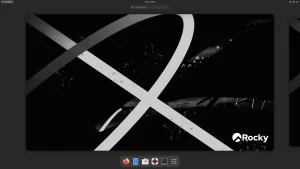
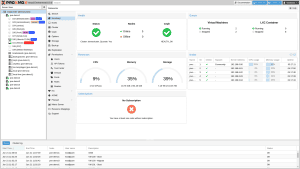
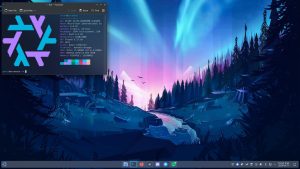
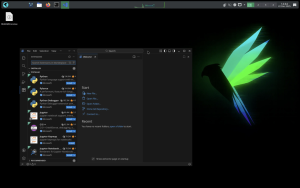
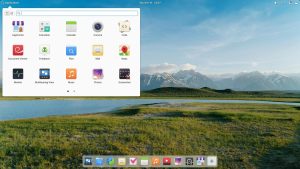
OS Screenshots