Rufus
 Rufus
📌 Overview & Description
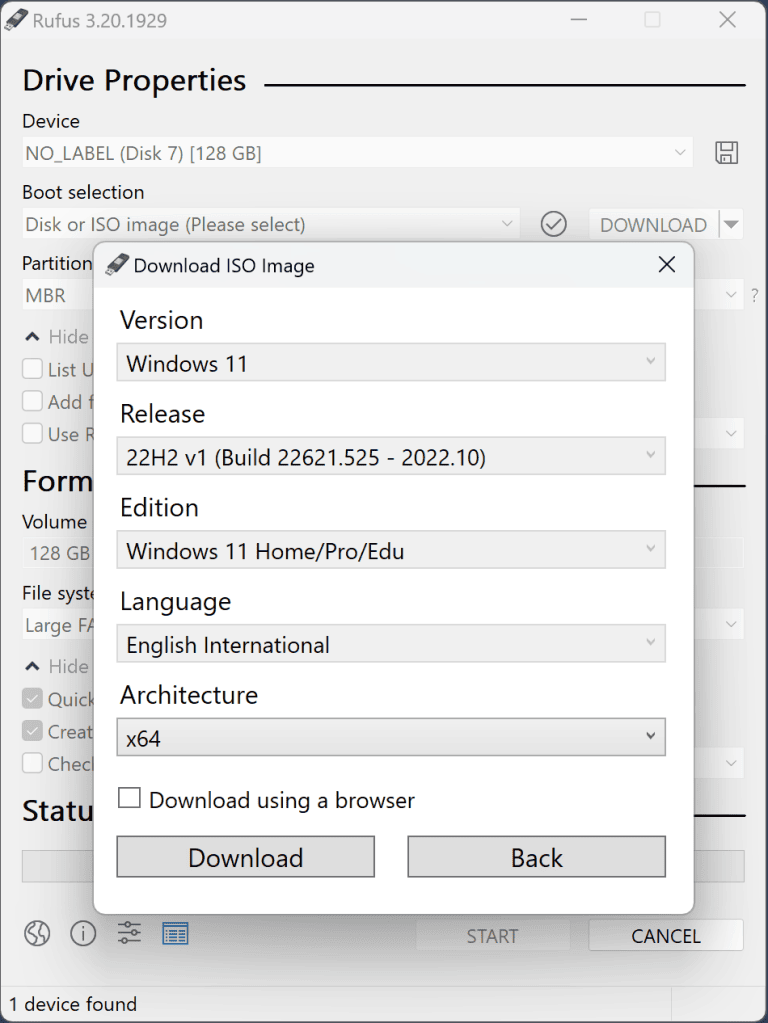
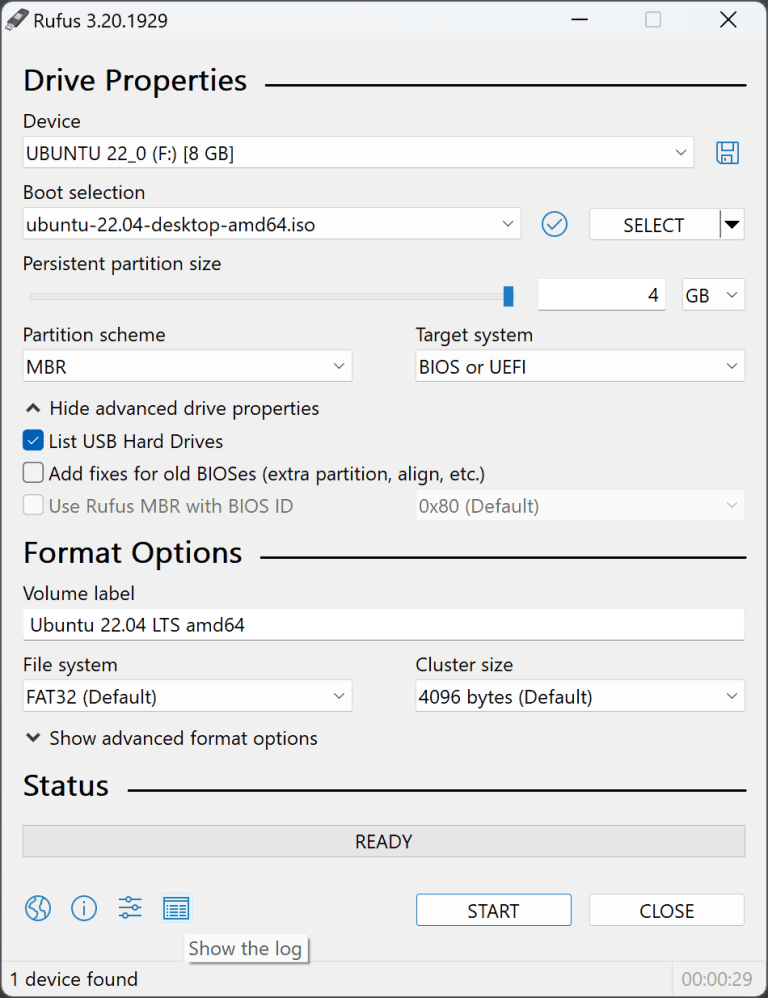
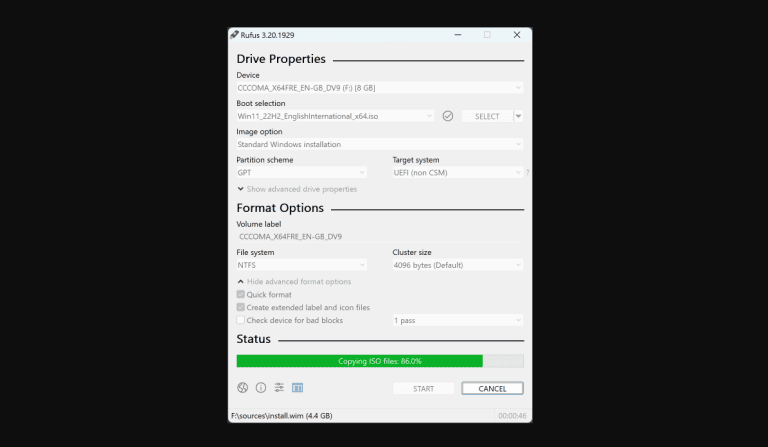
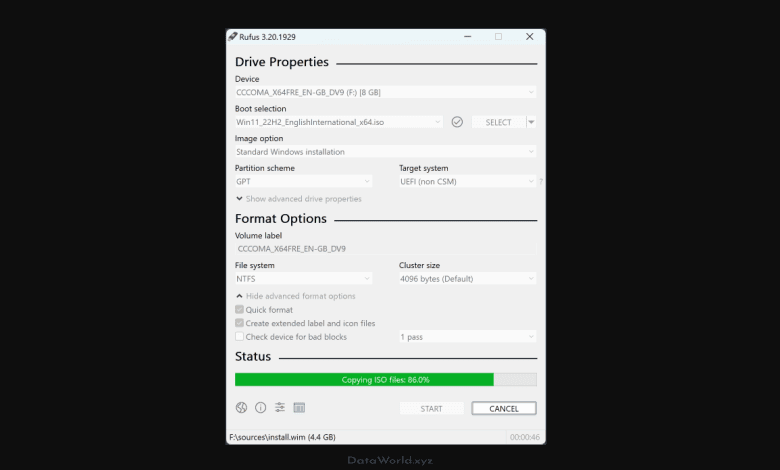
Rufus is a free and open-source utility that helps format and create bootable USB flash drives, such as USB keys/pendrives, memory sticks, etc. It is particularly useful for cases where you need to create USB installation media from bootable ISOs (Windows, Linux, UEFI, etc.), work on a system that doesn't have an OS installed, flash a BIOS or other firmware from DOS, or run a low-level utility. Rufus is renowned for its speed and efficiency, often outperforming other tools in its category.
This compact and standalone application supports a wide range of bootable formats and partition schemes, including MBR and GPT, as well as various file systems like FAT32, NTFS, UDF, and exFAT. Its intuitive user interface makes it accessible for both system administrators and everyday users, providing a reliable and fast solution for creating bootable media without complex configurations. Rufus's portability means it can be run directly from an executable without installation, making it an ideal tool for on-the-go system maintenance.
⚙️ Software & Mobile App Specifications
💻 System Requirements & RAM / ROM Specifications (Minimum vs Recommended)
| Hardware / Memory Spec | Minimum Requirements | Recommended Requirements |
|---|---|---|
|
Memory (RAM)
|
256 MB | 512 MB |
|
ROM / Storage Space
|
10 MB (for the executable and temporary files) | 20 MB (for the executable, temporary files, and potential log files) |
|
Processor (CPU / SoC)
|
Intel Pentium 4 or equivalent (any modern CPU from the last 15-20 years) | Intel Core 2 Duo or equivalent (any modern dual-core CPU) |
|
Graphics Card (GPU)
|
Any display adapter capable of 800x600 resolution | Any display adapter capable of 1024x768 resolution |
📊 Detailed RAM & ROM Requirements Breakdown
- Extremely low RAM footprint, typically under 10 MB during operation.
- Executable size is minimal, usually between 1.3 MB and 2 MB.
- Temporary files are created during the bootable media creation process, but are usually cleaned up upon completion.
- No significant persistent cache is maintained by the application itself, ensuring minimal disk clutter.
- Memory usage scales slightly with the size of the ISO image being processed, but remains very low and efficient.
- Storage requirements are primarily for the executable and a small amount of temporary working space, making it highly portable.
✅ What is Supported (Formats & Features)
- ISO images (Windows, Linux, UEFI, etc.)
- Disk images (IMG)
- FreeDOS
- GRUB2
- Syslinux
- UEFI and Legacy BIOS boot modes
- MBR and GPT partition schemes
- FAT32, NTFS, UDF, exFAT file systems
🚀 Best Supported For (Ideal Use Cases)
- Creating Windows installation media (Windows 7, 8, 10, 11)
- Creating Linux distribution live USBs
- Flashing BIOS/firmware from DOS
- Running low-level system utilities and diagnostics
- Creating bootable media for systems without an OS
- Fast and reliable bootable USB creation for various purposes
- Portable use without requiring installation on the host system
🌟 Key Features & Advantages
Screenshots