Zorin OS
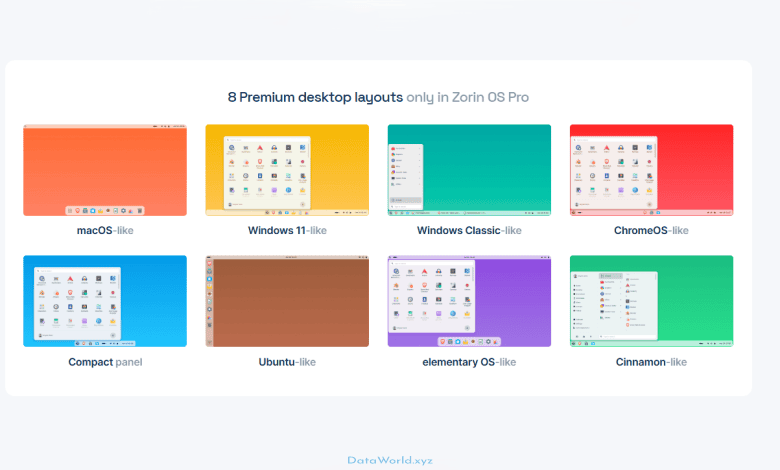
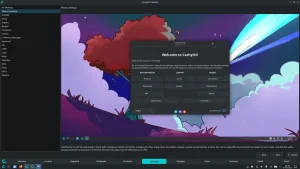
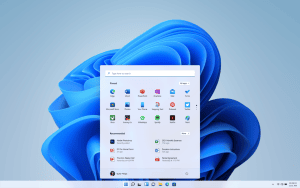
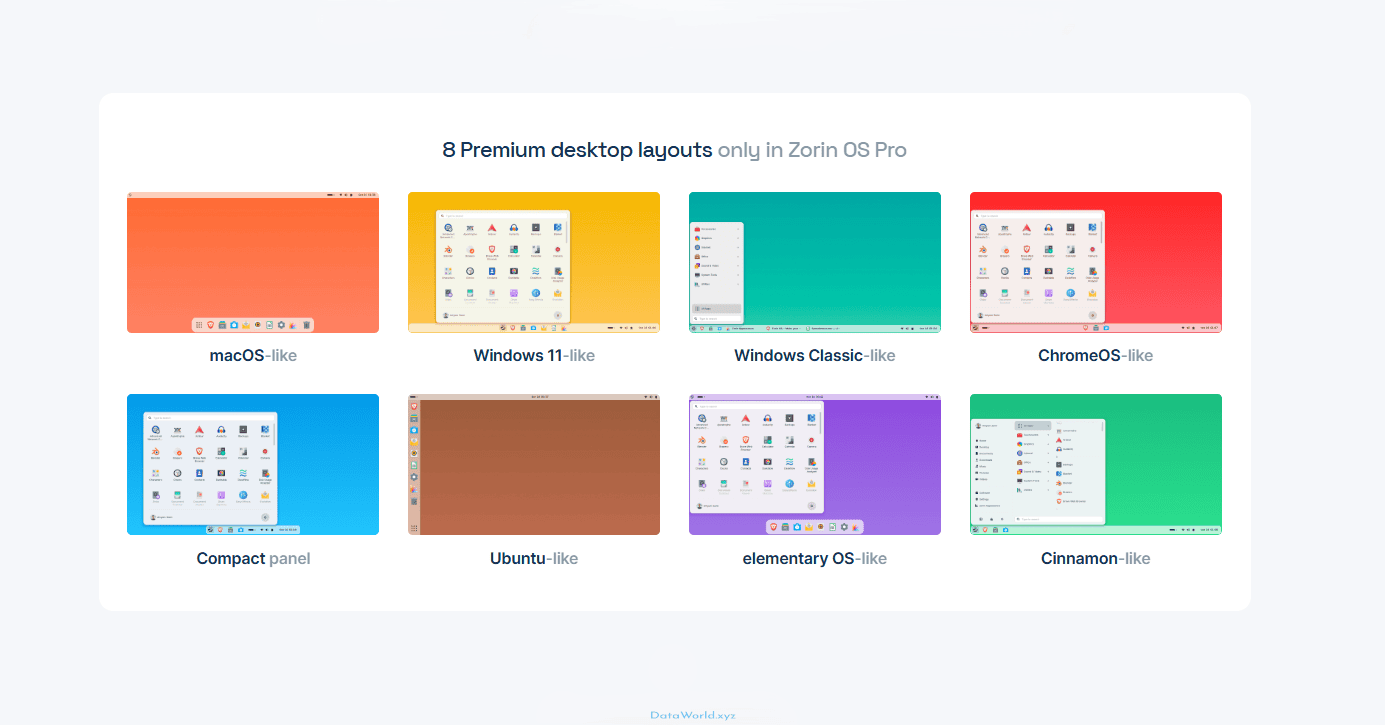
Zorin OS is an Ubuntu-based Linux distribution designed specifically for newcomers to Linux. Its primary goal is to provide a user-friendly and familiar experience for users migrating from Windows or macOS, featuring a highly customizable desktop environment that can mimic the look and feel of popular operating systems. This focus on ease of use extends to its software ecosystem, which includes pre-installed applications for common tasks and seamless integration with Windows apps via Wine and PlayOnLinux.
Developed by the Zorin Group, an Irish software company, Zorin OS was first released in 2009. It aims to make Linux accessible to a broader audience by simplifying the transition process, offering a robust and secure computing environment without the steep learning curve often associated with other Linux distributions. The OS comes in several editions, including a free Core edition, a lightweight Lite edition for older hardware, and a feature-rich Pro edition that includes advanced layouts and pre-installed professional software. Its architecture is built upon the solid foundation of Ubuntu LTS (Long Term Support) releases, ensuring stability, security, and long-term support with regular updates.
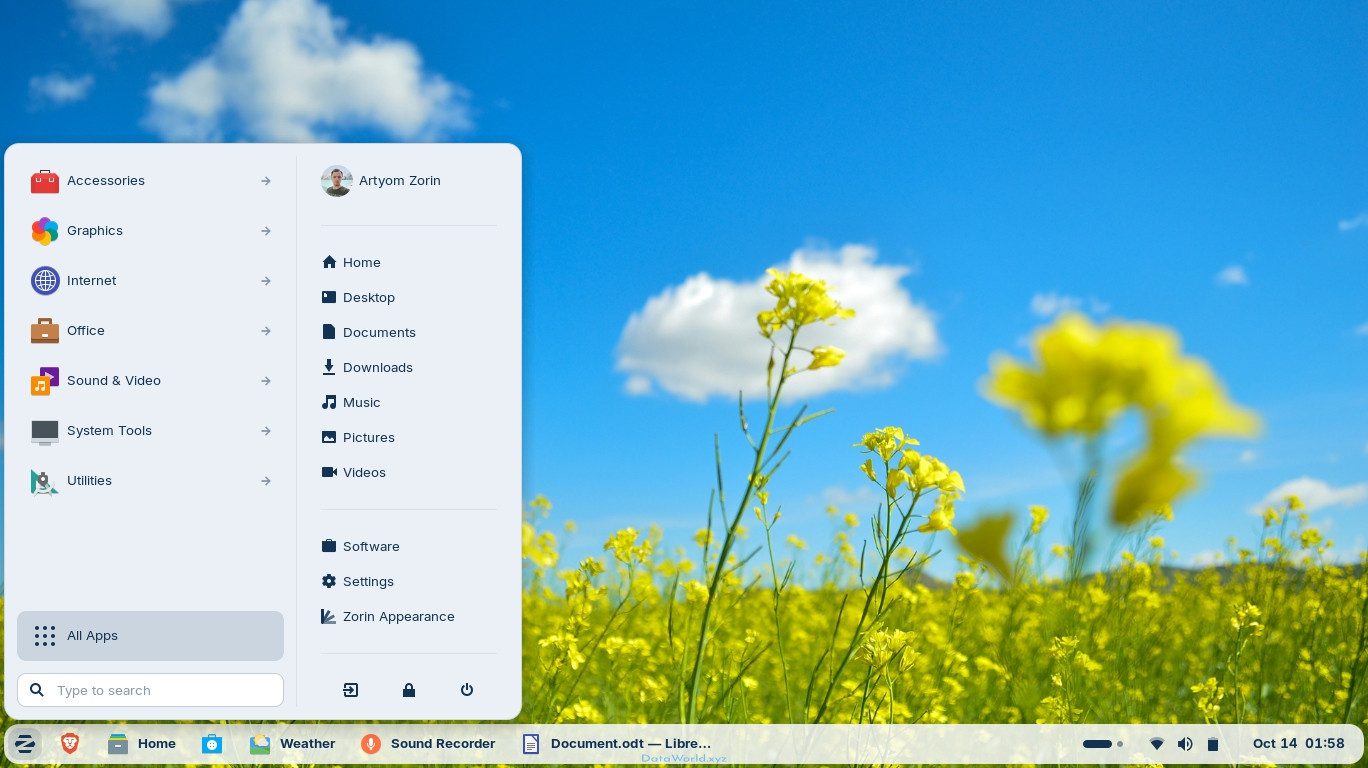
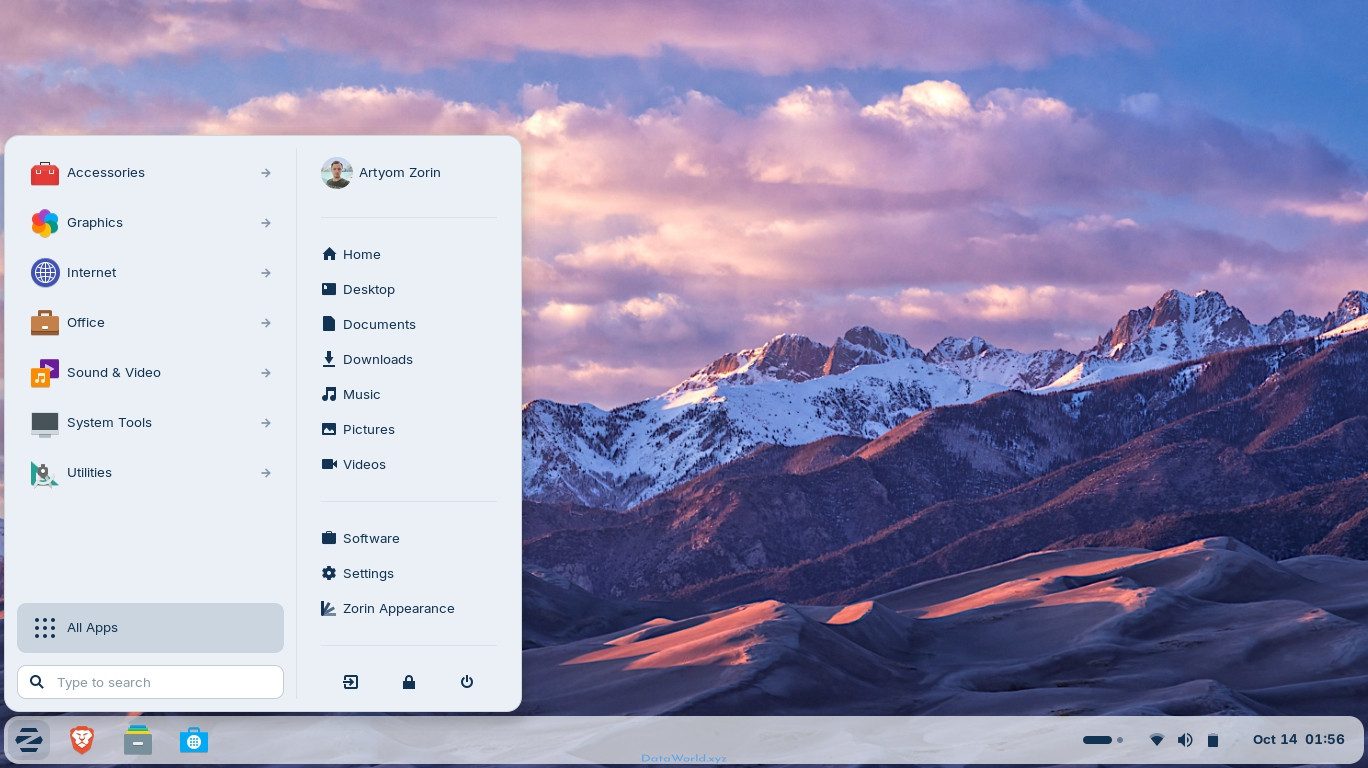
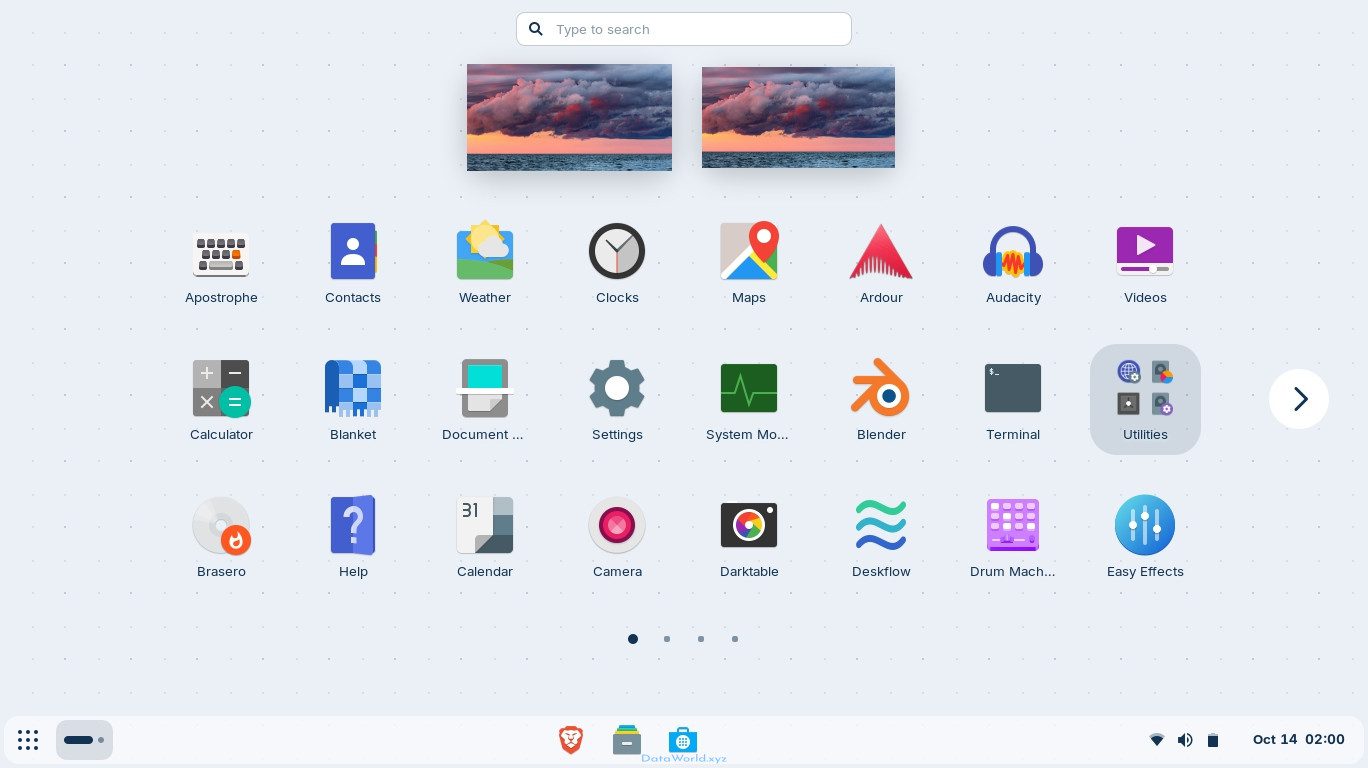
 Zorin OS
📌 Overview & Description
Zorin OS is an Ubuntu-based Linux distribution designed specifically for newcomers to Linux. Its primary goal is to provide a user-friendly and familiar experience for users migrating from Windows or macOS, featuring a highly customizable desktop environment that can mimic the look and feel of popular operating systems. This focus on ease of use extends to its software ecosystem, which includes pre-installed applications for common tasks and seamless integration with Windows apps via Wine and PlayOnLinux.
Developed by the Zorin Group, an Irish software company, Zorin OS was first released in 2009. It aims to make Linux accessible to a broader audience by simplifying the transition process, offering a robust and secure computing environment without the steep learning curve often associated with other Linux distributions. The OS comes in several editions, including a free Core edition, a lightweight Lite edition for older hardware, and a feature-rich Pro edition that includes advanced layouts and pre-installed professional software. Its architecture is built upon the solid foundation of Ubuntu LTS (Long Term Support) releases, ensuring stability, security, and long-term support with regular updates.
⚙️ Technical Specifications & Release Timeline
💻 System Requirements (Minimum vs Recommended)
| Hardware Component | Minimum Requirements | Recommended Requirements |
|---|---|---|
|
Processor (CPU)
|
1 GHz Dual Core (64-bit) | Modern multi-core processor (e.g., Intel Core i3/i5 or AMD Ryzen 3/5 equivalent or better) |
|
Memory (RAM)
|
2 GB | 8 GB or more |
|
Storage Space
|
20 GB (Core/Lite), 40 GB (Pro) | 256 GB SSD or more |
|
Graphics Card (GPU)
|
Any graphics card or integrated graphics capable of 1024x768 resolution | Modern dedicated or integrated graphics (e.g., Intel Iris Xe, AMD Radeon Graphics, NVIDIA GeForce MX/GTX series) capable of 1920x1080 or higher |
✅ What is Supported
- Wide range of hardware (PCs, laptops, virtual machines)
- Thousands of Linux applications from the Software Center
- Windows applications via Wine and PlayOnLinux
- Modern web browsers (Firefox, Chrome, etc.)
- Office suites (LibreOffice, OnlyOffice)
- Multimedia codecs and playback
- Gaming via Steam and Proton
🚀 Best Supported For (Ideal Use Cases)
- Users migrating from Windows or macOS
- Older computers needing a performance boost
- Educational institutions and small businesses
- Everyday desktop computing and productivity
- Secure and privacy-focused computing
- Users seeking a highly customizable desktop experience
- Development and programming environments
🌟 Key Features & Advantages