Xubuntu
Xubuntu — Key Insights & Complete Guide
Furthermore, if you are looking for accurate and comprehensive information about Xubuntu, this detailed guide walks you through every essential aspect. Therefore, we explore the core strategies and practical insights regarding Xubuntu. Finally, by following these proven best practices and step-by-step recommendations, you can achieve optimal results quickly and effectively.
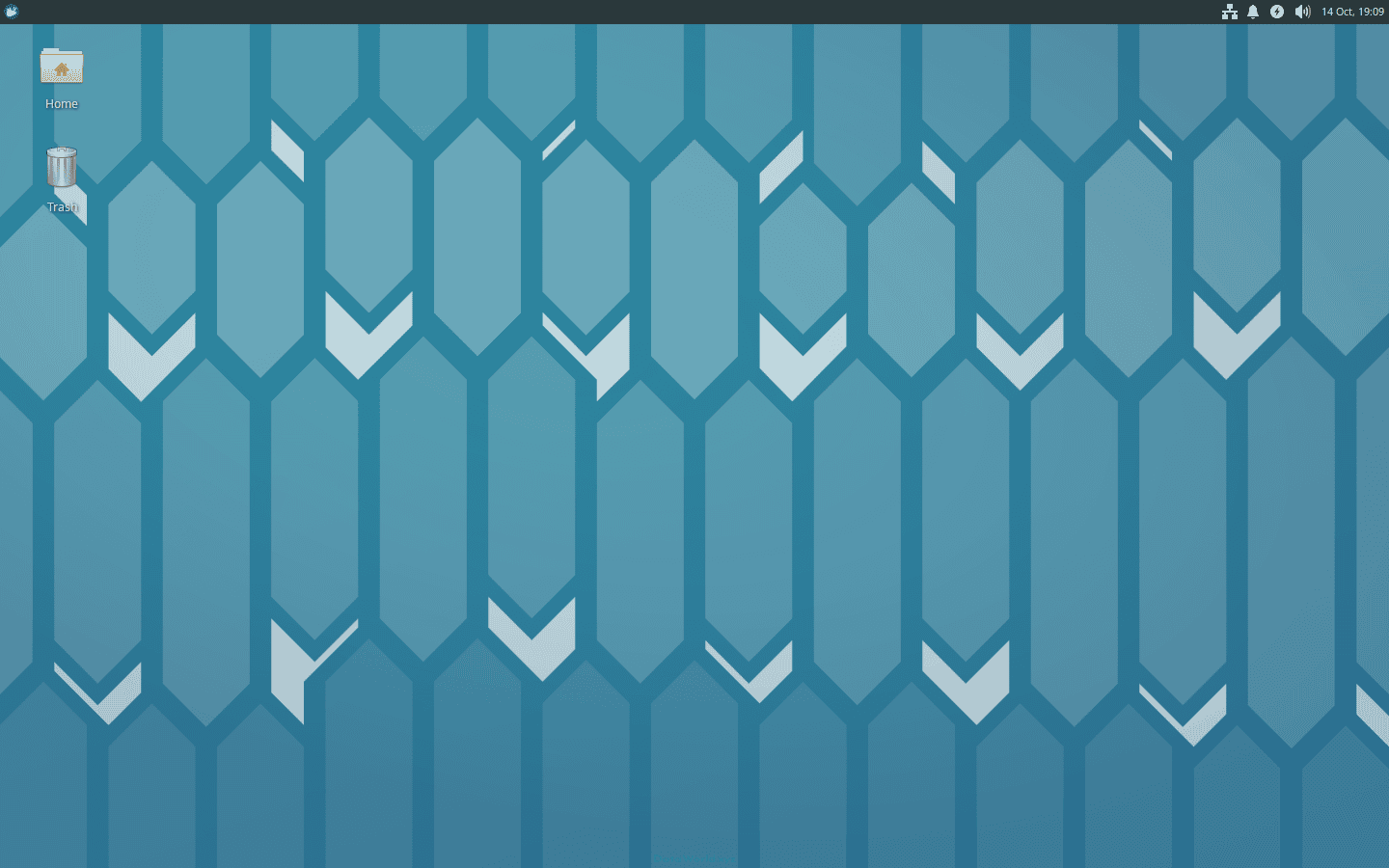
Xubuntu is an officially recognized derivative of the Ubuntu operating system, built around the Xfce desktop environment. Its core philosophy centers on providing a stable, lightweight, and highly customizable user experience, making it an excellent choice for users seeking efficiency without sacrificing aesthetics or functionality. It inherits the robust Debian-based architecture and extensive software repositories of Ubuntu, ensuring broad hardware compatibility and access to a vast ecosystem of applications.
Designed for both modern and older hardware, Xubuntu aims to be user-friendly and accessible. The Xfce desktop is known for its low resource consumption, speed, and modular design, allowing users to tailor their environment precisely to their needs. This makes Xubuntu particularly suitable for netbooks, older PCs, and virtual machines, while still offering a polished and productive environment for everyday computing tasks, web browsing, office work, and multimedia consumption.
 Xubuntu
📌 Overview & Description
Xubuntu is an officially recognized derivative of the Ubuntu operating system, built around the Xfce desktop environment. Its core philosophy centers on providing a stable, lightweight, and highly customizable user experience, making it an excellent choice for users seeking efficiency without sacrificing aesthetics or functionality. It inherits the robust Debian-based architecture and extensive software repositories of Ubuntu, ensuring broad hardware compatibility and access to a vast ecosystem of applications.
Designed for both modern and older hardware, Xubuntu aims to be user-friendly and accessible. The Xfce desktop is known for its low resource consumption, speed, and modular design, allowing users to tailor their environment precisely to their needs. This makes Xubuntu particularly suitable for netbooks, older PCs, and virtual machines, while still offering a polished and productive environment for everyday computing tasks, web browsing, office work, and multimedia consumption.
⚙️ Technical Specifications & Release Timeline
💻 System Requirements (Minimum vs Recommended)
| Hardware Component | Minimum Requirements | Recommended Requirements |
|---|---|---|
|
Processor (CPU)
|
1 GHz processor (e.g., Intel Celeron or AMD Athlon) | 2 GHz dual-core processor |
|
Memory (RAM)
|
1 GB | 2 GB or more |
|
Storage Space
|
8.6 GB | 20 GB SSD |
|
Graphics Card (GPU)
|
Graphics card capable of 800x600 resolution | Graphics card capable of 1024x768 resolution or higher with hardware acceleration |
✅ What is Supported
- Extensive hardware compatibility through Linux kernel
- Thousands of free and open-source applications via Ubuntu repositories
- Full multimedia support (audio, video, image editing)
- Network connectivity (wired, Wi-Fi, Bluetooth)
- Office productivity suites (e.g., LibreOffice)
- Gaming via Steam Proton and native Linux titles
- Virtualization platforms (e.g., VirtualBox, VMware)
🚀 Best Supported For (Ideal Use Cases)
- Older or less powerful hardware
- Users preferring a lightweight and fast desktop environment
- Customization enthusiasts due to Xfce's flexibility
- Stable and long-term support (LTS) environments
- Educational institutions and non-profits seeking cost-effective solutions
- Developers and system administrators needing a reliable Linux base
- Users migrating from Windows or macOS seeking a familiar yet efficient interface
🌟 Key Features & Advantages